
Published September 21, 2026
A busy restaurant can handle hundreds of orders in a day. But during a busy service, small communication gaps can quickly turn into big problems.
A modifier gets missed. A side dish isn't added. A customer asks for no onions, but the kitchen doesn't see the note. A takeaway order goes to the wrong station. Or an order is entered correctly at the POS but doesn't reach the right kitchen screen.
These restaurant order errors can lead to remakes, food waste, longer wait times, frustrated employees, and unhappy customers.
The good news is that many order mistakes aren't simply a "staff problem." They are often a process problem. The right combination of clear workflows, accurate order entry, POS technology, kitchen communication, and staff training can significantly improve order accuracy.
In this guide, we'll look at practical ways to reduce order errors in a busy restaurant.
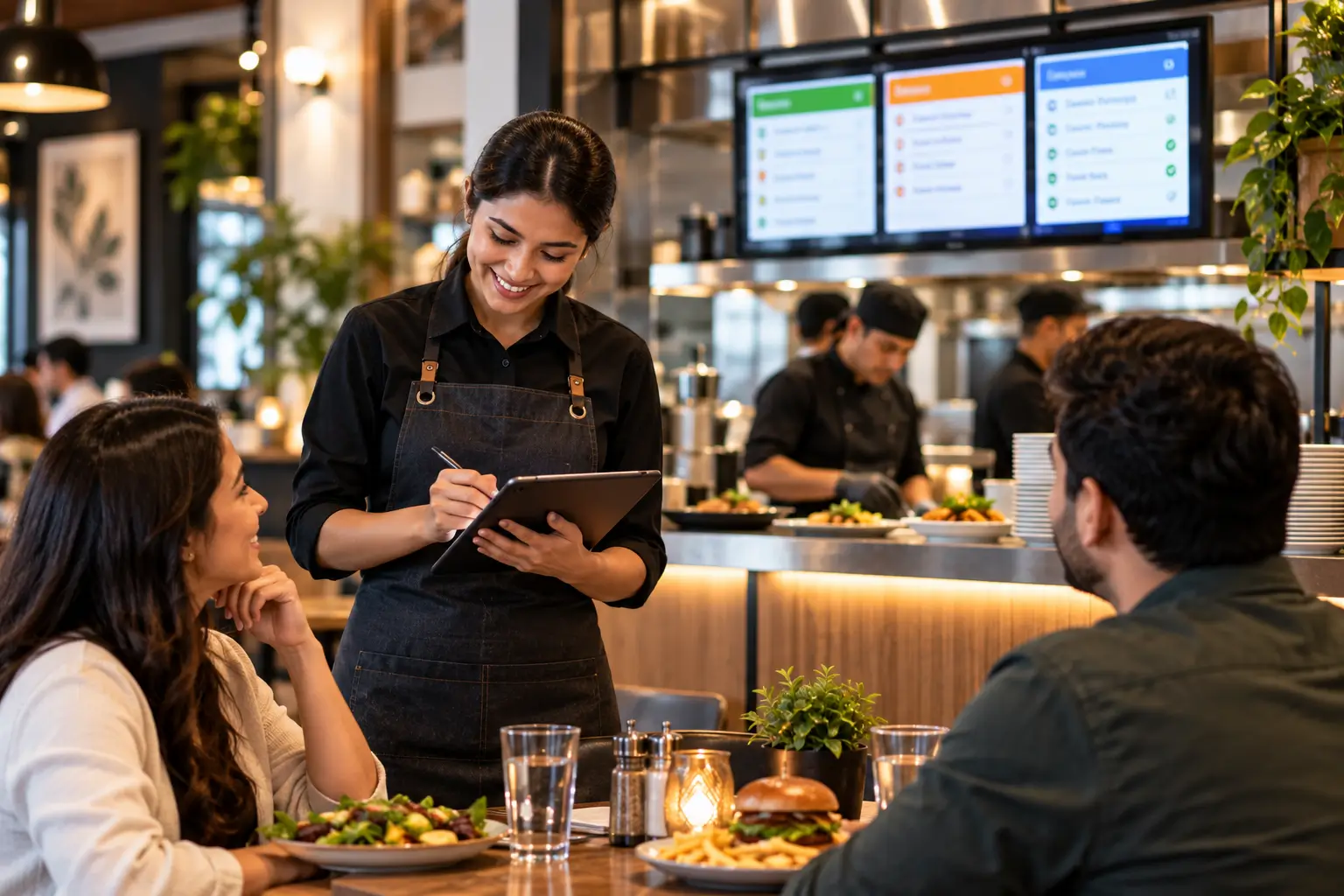
What Causes Order Errors in Restaurants?
Orders being entered incorrectly
Verbal communication between front and back of house
Handwritten tickets that are difficult to read
Missing modifiers or special requests
Incorrect table numbers
Menu items not being updated
Orders being sent to the wrong kitchen station
Staff relying on memory during busy periods
Poor communication between servers and kitchen staff
Duplicate or missed kitchen tickets
Online orders not syncing properly with restaurant operations
Staff rushing during peak hours
For example, imagine a customer orders a burger with no cheese, extra onions, and a side of fries.
If the POS records only “burger + fries” and the modifier isn't communicated clearly to the kitchen, the kitchen may prepare the standard version.
The restaurant then has to remake the order. The customer waits longer. The kitchen spends additional time preparing food. And the restaurant may have to throw away the incorrect meal.
One small order-entry mistake can therefore create several problems at once.
Step 1: Identify Where Your Order Errors Are Happening
The first step isn't buying new technology. It's finding the actual source of your mistakes.
Track order errors for one or two weeks and categorize them. For example:
| Error Type | Example |
|---|---|
| Wrong item | Customer ordered pasta but received pizza |
| Missing modifier | “No onions” wasn't communicated |
| Missing item | Side dish wasn't prepared |
| Wrong quantity | Two items entered instead of three |
| Wrong table | Order sent to another table |
| Wrong preparation station | Item didn't reach the correct kitchen |
| Duplicate order | Same order entered twice |
| Online order issue | Digital order wasn't received correctly |
After collecting the data, look for patterns.
If most mistakes happen because modifiers aren't communicated properly, that's the process you should fix first.
If most mistakes happen because orders don't reach the right kitchen station, your routing configuration may need attention.
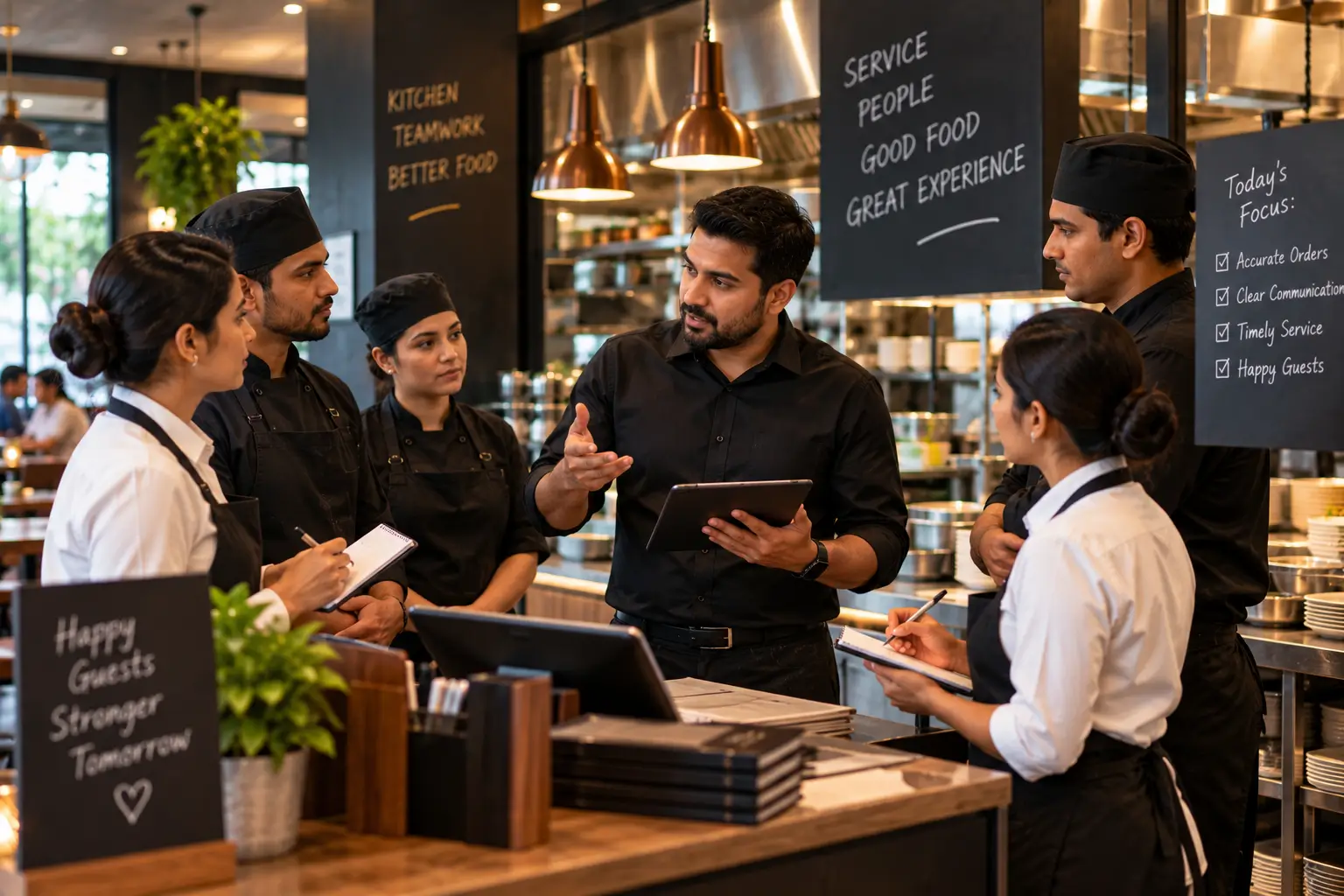
Step 2: Standardize How Staff Enter Orders
One of the easiest ways to improve POS order accuracy is to make order entry consistent. Every employee should follow the same basic process.
For example: Select item → Select size → Add modifiers → Add special instructions → Confirm quantity → Confirm table/order type → Send order.
The goal is to reduce decisions and unnecessary steps.
A well-designed restaurant POS should make common modifications easy to select rather than forcing employees to type everything manually.
This becomes especially important during peak hours when employees are taking orders quickly.
Simple interfaces, fewer unnecessary taps, clear modifiers, and structured tickets can help reduce the opportunities for mistakes.
Step 3: Keep Your Menu and Modifiers Accurate
Your POS menu is one of the most important parts of your order management process. If the menu is outdated, staff may have to work around the system.
For example, an unavailable item is still visible, an old price remains in the POS, a modifier is missing, a side dish isn't connected to the correct item, or an item is available for dine-in but shouldn't be available for online ordering.
These situations encourage manual workarounds, which can increase errors. Review your menu regularly and make sure:
Item names are clear.
Prices are correct.
Modifiers are configured correctly.
Required choices are clearly marked.
Out-of-stock items can be disabled.
Online and in-house menus are synchronized where appropriate.
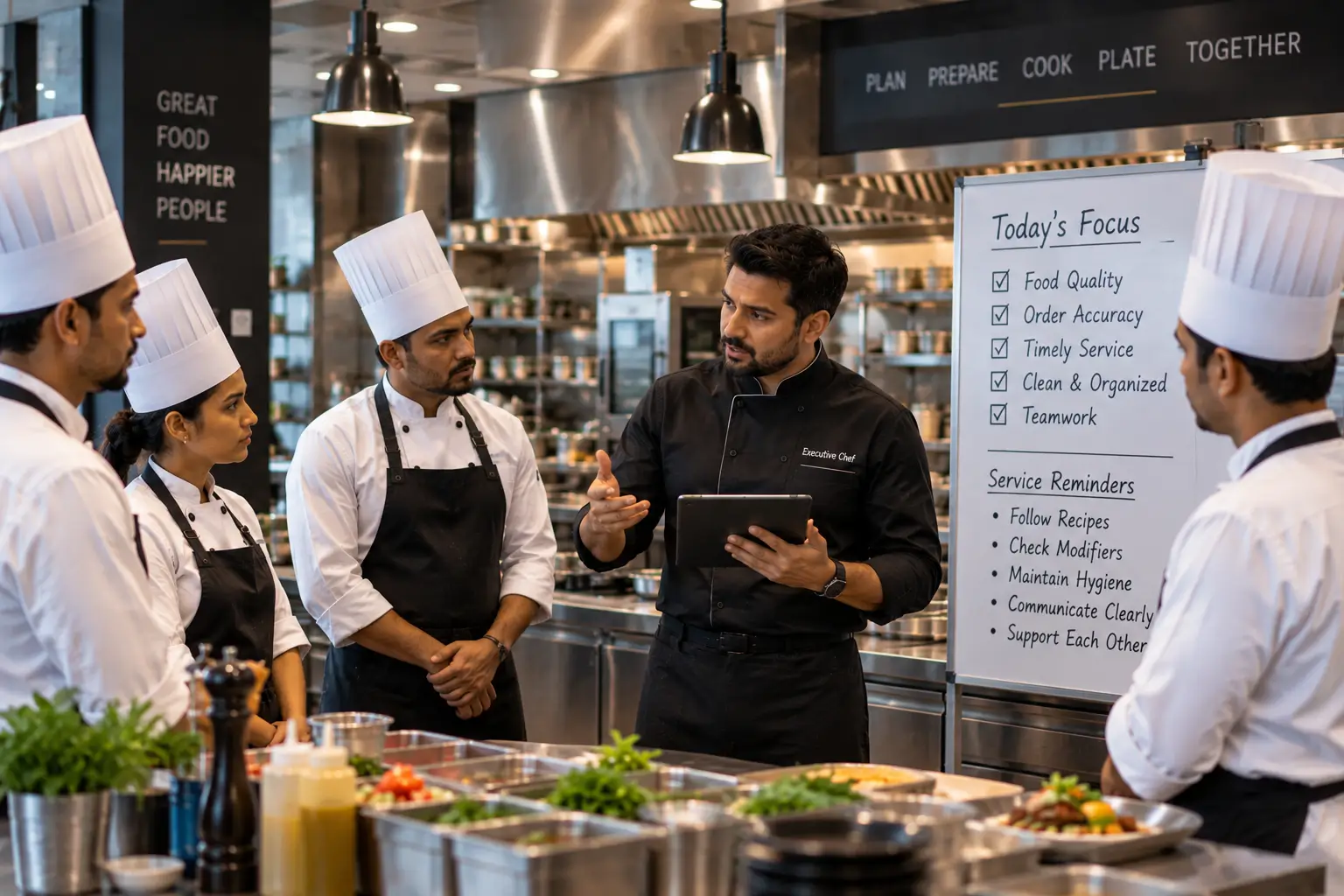
Step 4: Use a Kitchen Display System to Improve Communication
A Kitchen Display System (KDS) can help connect the front of house with the kitchen. Instead of relying entirely on verbal communication or handwritten tickets, orders can be displayed digitally for kitchen staff.
A properly configured KDS can show the order number, items, modifiers, special instructions, order type, preparation status, and timing information.
This gives kitchen staff a clear view of what needs to be prepared. It also creates a more structured communication process between the POS and kitchen.
But simply installing a KDS isn't enough. The system needs to be configured correctly.
For example, if an item is assigned to the wrong prep station, the order may still reach the wrong place. Current POS/KDS troubleshooting guidance specifically highlights prep-station assignments and routing rules as common causes when orders don't reach the correct kitchen destination.
Step 5: Route Orders to the Correct Kitchen Station
A busy restaurant may have several preparation areas, such as grill, fryer, pizza, bar, desserts, salads, and a beverage station.
If every order appears at one location, kitchen staff have to manually interpret where each item belongs. That creates unnecessary work.
Instead, configure your POS and KDS so items can be routed to the appropriate preparation station. For example:
- Burger
Grill
- Fries
Fry Station
- Cocktail
Bar
- Dessert
Dessert Station
This helps each team focus on the items they are responsible for. It also reduces the possibility of an item being overlooked.
Step 6: Make Special Instructions Impossible to Miss
Special instructions are one of the easiest areas for errors to occur. Customers may request no onions, extra sauce, less spicy, gluten-free preparation, sauce on the side, no cheese, or extra toppings.
Instead of depending on verbal communication, capture these instructions directly in the order. The kitchen ticket should make the information easy to identify.
For example: “Chicken Burger — No cheese, Extra lettuce, Sauce on side” is much easier to understand than a vague handwritten note or verbal instruction.
Step 7: Add an Order Confirmation Process
Quick confirmation can prevent an expensive mistake.
For dine-in orders, the server can confirm important details before sending the order: “So that's one chicken burger without cheese, extra lettuce, and fries. Correct?”
For takeaway and online orders, confirmation can happen digitally through the ordering system. This is particularly useful for:
Large orders
Customized orders
Catering orders
Allergy-related requests
High-value orders
Orders with many modifiers
The goal isn't to make every order unnecessarily slow. It's to add a confirmation step where the risk of an error is higher.
Step 8: Separate Dine-In, Takeaway, and Delivery Orders Clearly
Different order types often follow different workflows.
A dine-in order may have: Table → Server → Kitchen → Table.
A takeaway order may have: Customer → POS/Online Order → Kitchen → Pickup Counter.
A delivery order may have: Customer → Online Order → Kitchen → Delivery/Pickup Handoff.
If these workflows aren't clearly separated, orders can become confusing during busy periods.
Your POS should clearly identify the order type, so employees know what needs to happen next.
Step 9: Train Staff on the System, Not Just the Menu
Restaurant training often focuses heavily on food knowledge and customer service. Those are important, but employees also need to understand the ordering workflow.
Training should cover:
How to create an order
How to add modifiers
How to correct an order
How to handle cancelled items
How to identify order types
How to check order status
How to communicate special requests
How orders reach the kitchen
What to do when an order doesn't appear on the KDS
Training should also include real restaurant scenarios. For example: “A customer changes their order after you've already sent it to the kitchen. What do you do?”
Practical scenarios are often more useful than simply showing employees where buttons are located.
Step 10: Track Order Accuracy
If you don't measure order errors, it's difficult to know whether your changes are working. Create a simple weekly report. Track:
Total orders
Number of incorrect orders
Missing items
Incorrect modifiers
Wrong items
Remakes
Customer complaints
Online order errors
You can calculate a simple order accuracy rate: Order Accuracy Rate = Correct Orders ÷ Total Orders × 100.
For example, if a restaurant processes 1,000 orders and 970 are completed correctly: 970 ÷ 1,000 × 100 = 97%.
The purpose isn't to chase a perfect number overnight. The purpose is to identify whether your process is improving.
Step 11: Review Your Most Common Mistakes
After collecting your data, look for repeat problems.
Suppose you discover 40% of mistakes = missing modifiers. That tells you where to focus. You might improve modifier configuration, train staff on modifiers, make important modifiers mandatory, or improve kitchen ticket formatting.
If instead you discover 35% of mistakes = wrong kitchen routing, you may need to review your prep-station configuration.
This approach is much more effective than simply telling employees: “Be more careful.”
Step 12: Connect Your POS, KDS, and Ordering Channels
As restaurants grow, orders can come from multiple sources: POS, website, mobile ordering, QR ordering, delivery platforms, phone orders, and table ordering.
Managing each channel separately can create additional opportunities for mistakes.
A connected restaurant technology setup can help centralize order information and reduce unnecessary manual entry. The goal is to create a clear flow:
Customer → Ordering Channel → POS → Kitchen → Preparation → Handoff.
Every unnecessary manual step is another opportunity for information to be lost or entered incorrectly.
Common Order Management Mistakes to Avoid
- Relying on verbal instructions
Verbal communication can work during slower periods, but it becomes less reliable when the restaurant gets busy.
- Using too many manual notes
The more information staff have to write or re-enter manually, the more opportunities there are for mistakes.
- Ignoring modifiers
A burger isn't simply a burger if the customer requested five changes.
- Not updating the POS menu
An outdated menu creates confusion for staff and customers.
- Sending every kitchen item to one station
Clear routing helps kitchen teams focus on their own responsibilities.
- Not tracking errors
If you don't know what is going wrong, you can't fix the underlying process.
- Blaming staff for system problems
Sometimes employees aren't the root cause. If the POS is confusing, the menu configuration is incorrect, or the kitchen routing is poorly set up, better training alone won't completely solve the problem.
A Simple Daily Order Accuracy Checklist
Before each busy service, restaurant managers can quickly review:
POS
Menu prices are correct
Unavailable items are disabled
Modifiers are working
Order types are configured correctly
Kitchen
KDS screens are online
Prep stations are correctly assigned
Printers are working where applicable
Kitchen staff understand the day's menu changes
Front of House
Staff know about unavailable items
New menu items are understood
Staff know how to enter modifiers
Staff know how to handle order corrections
After Service
Review incorrect orders
Identify repeated mistakes
Record customer complaints
Discuss improvements with the team
A five-minute review can prevent many problems during a busy shift.
How Chefgaa Helps Improve Restaurant Order Management
Chefgaa brings restaurant operations together through its POS and connected restaurant-management capabilities.
With a Smart POS System, restaurants can manage orders through a structured digital workflow instead of relying heavily on manual communication.
Chefgaa's restaurant technology can support areas such as:
POS billing
Order management
Table management
Captain/Waiter App
Kitchen operations
KDS/KOT workflows
Online ordering
Payments
Inventory
Restaurant reporting
The objective is simple: make it easier for the right information to reach the right person at the right time.
When front-of-house staff can enter orders accurately, the kitchen receives clear information, and managers can monitor what is happening, the restaurant has a stronger foundation for improving order accuracy and overall efficiency.
Common causes include incorrect order entry, missed modifiers, unclear communication, outdated menus, and orders being sent to the wrong kitchen station.
A POS system improves accuracy by standardizing order entry, capturing modifiers, reducing manual work, and sending clear order information to the kitchen.
A KDS displays orders, modifiers, and special instructions clearly for kitchen staff, reducing missed items and communication mistakes.
Keep menus and modifiers updated, train staff on the POS, use standardized order-entry workflows, and regularly review common order mistakes.
Accurate order entry, clear kitchen communication, proper order verification, and tracking recurring mistakes can reduce incorrect orders and unnecessary remakes.
Look for accurate POS ordering, modifier management, KDS integration, kitchen routing, online ordering, order tracking, and reporting capabilities.
Final Takeaway
Reducing restaurant order errors isn't about asking employees to work faster or simply telling them to “be careful.”
It's about creating a system where mistakes are less likely to happen in the first place.
Start by identifying where errors occur. Then improve the process step by step: Standardize order entry → Configure modifiers → Route orders correctly → Use a KDS → Confirm important orders → Train staff → Track mistakes → Improve continuously.
A well-configured POS and kitchen workflow can make a busy restaurant easier to manage while giving employees clearer information to work with.
The goal isn't just fewer incorrect orders. It's a smoother operation, less food waste, faster service, and a better experience for both customers and restaurant staff.