Faster Kitchens. Smarter Operations. Better Customer Experience.
Chefgaa Kitchen Display System (KDS). Replace handwritten tickets and printed order slips with a digital kitchen display that receives orders from your POS.
What is a Kitchen Display System (KDS)?
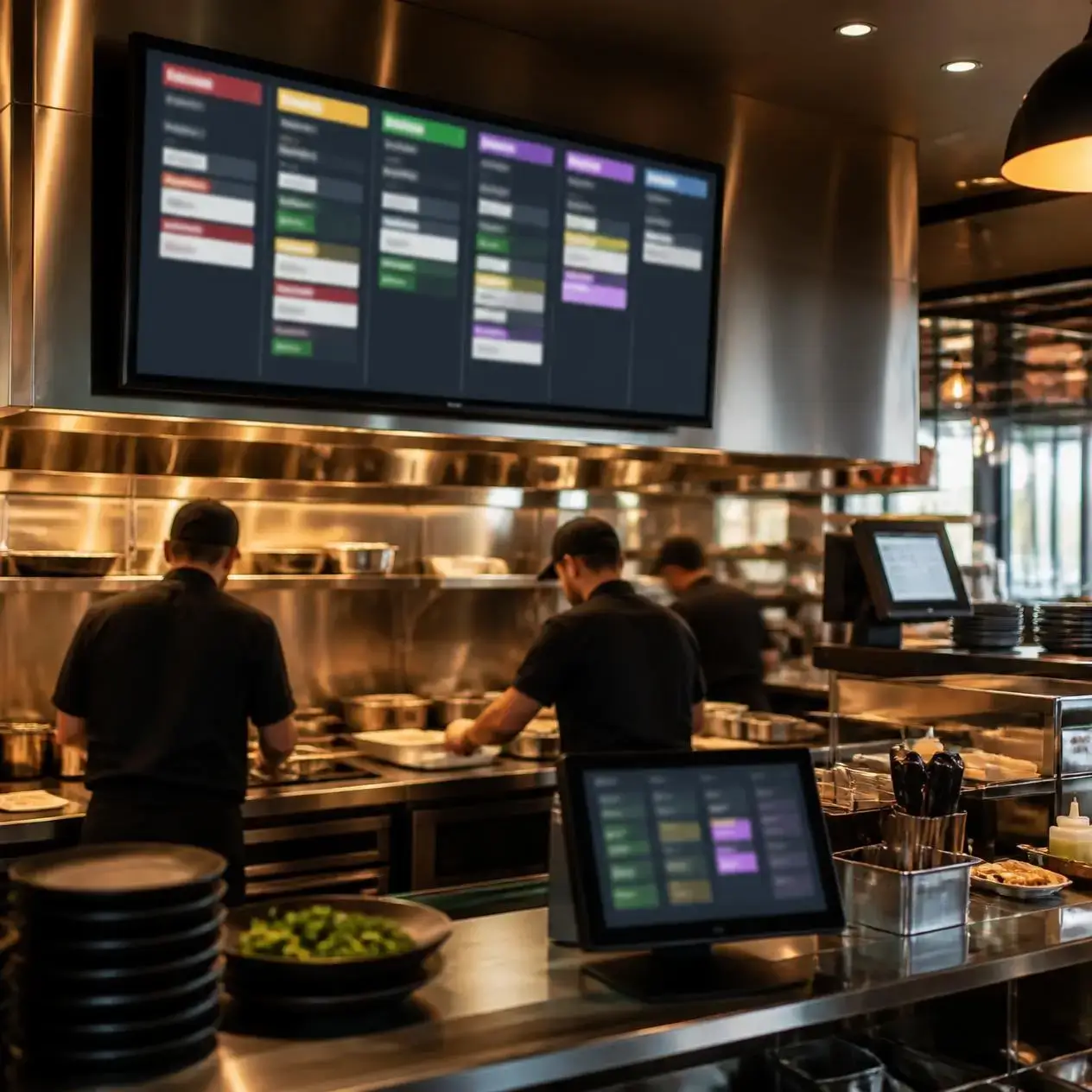
A Kitchen Display System (KDS) makes it possible to replace printed kitchen tickets with a digital screen. Orders placed on the restaurant POS system appear immediately on the KDS.
Chefs and kitchen staff can view orders as they are entered in real time. This also allows them to keep track of the order preparation progress, and to prioritize the order of preparation based on order urgency. The result is a finished order that is prepared more accurately.
A modern kitchen display system used in restaurant operations serves the functionality of establishing and sustaining better communication between restaurant front and restaurant back operations, while also maintaining manual error reduction.
Why Restaurants Needs Kitchen Display System
Restaurants today face pressure to deliver orders quickly to maintain quality. During peak hours, printed tickets can easily manipulate, damaged, or delayed.
Common kitchen challenges include:
Order tickets Lost or misplaced
low communication between servers and chefs
order preparation misguided
customer waiting time is more
Difficulty in multiple order management
Confusion in busy service hours
Chefgaa's Kitchen Display System solves these challenges by displaying every order digitally when it's placed.
Key Features of Chefgaa Kitchen Display System
- Real-Time Order Synchronization
Each Chefgaa POS order is shown on the kitchen screen as soon as the order is placed. Orders are displayed in real time. Each order displayed results in immediate order of fulfillment. The Chefgaa POS system provides an immediate order fulfillment solution.fulfillment. The Chefgaa POS system provides an immediate order fulfillment solution.
- Smart Order Prioritization
This system prioritizes incoming orders by assigning them an estimated preparation time, an order sequence number, or a specific spatial arrangement relating to the kitchen workflow. This system helps workers focus on orders which require the most urgent attention.This system prioritizes incoming orders by assigning them an estimated preparation time, an order sequence number, or a specific spatial arrangement relating to the kitchen workflow. This system helps workers focus on the orders which require the most urgent attention.
- Paperless Kitchen Operations
Limit dependence on kitchen ticket printouts and better control operations with a cleaner, faster, and more manageable digital workflow.
- Live Order Status Tracking
Kitchen staff can update the status according to its preparation. The front-of-house team always tracks whether an order is pending, cooking, or ready to serve.
- Color-Coded Order Management
Different order stages are visually highlighted, making it easier for chefs to identify priorities without confusion.
- Multi-Station Kitchen Support
Large restaurants may have separate preparations for grills, desserts, beverages, or hors d'oeuvre. Chefgaa supports multiple kitchens receives only the orders relevant to them.
- Dine-In, Takeaway & Online Orders
Orders from every sales channel appear in one display; Chefgaa helps restaurants to manage all order types without switching.
- Easy Touch Controls
Kitchen staff can update order progress with a single touch, making the system simple to use during rush hours.
Step 1
The customer may place order through the POS, waiter app, online ordering platform, self-ordering or contact less ordering.
Step 2
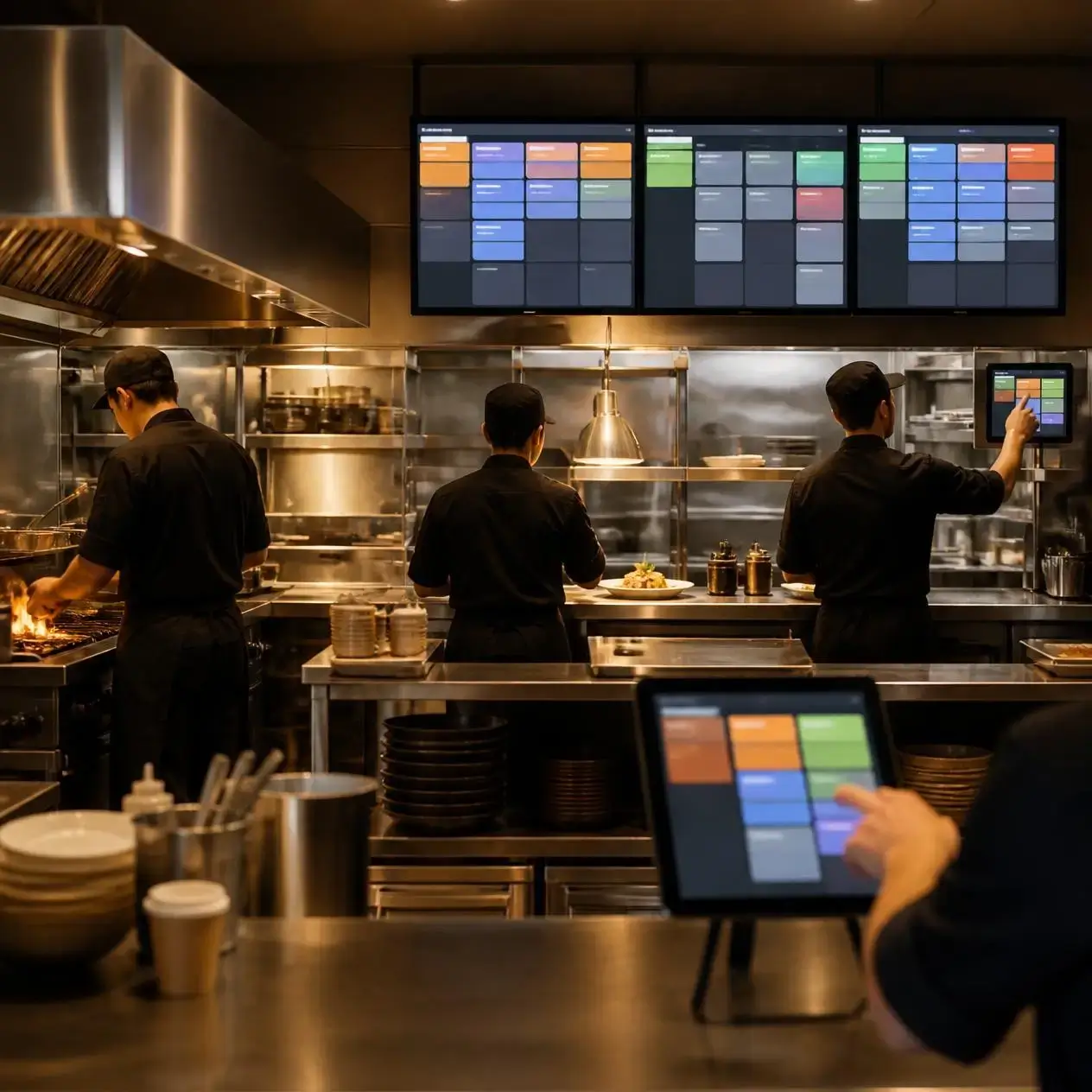
The order instantly appears on the appropriate kitchen display screen.
Step 3
Kitchen staff start preparing the order while updating its status in real time.
Step 4
Once all steps of order are completed, the order is marked as ready and the service team can deliver the food with the time between marked orders and food delivery.
Kitchen Display System Benefits of Usage
- Advance Food Preparation
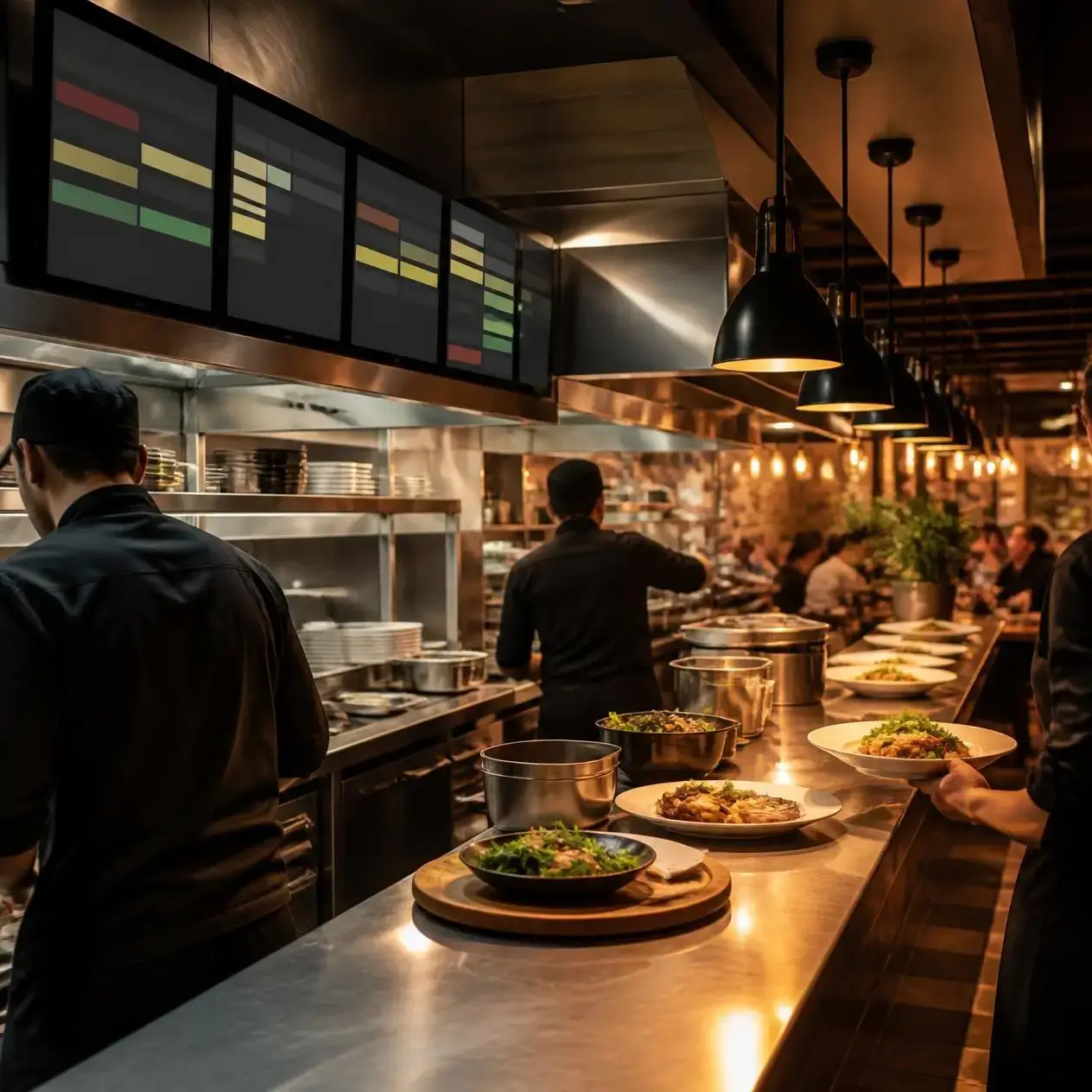
Orders reach the kitchen; Chefgaa helps reduce waiting time and improve table turnover.
- Fewer Order Mistakes
Digital orders eliminate handwriting issues and missing tickets, helping staff prepare meals accurately.
- Better Team Communication
Everyone works for the same current information, reducing Mix-up in servers and chefs.
- Improve Customer Satisfaction
Fast service and accurate orders can create a better experience, encouraging repeat visits.
- Better Kitchen Organization
Kitchen staff always know which orders are pending, in progress, or completed.
- Increased Operational Efficiency
Restaurants manage higher orders with less confusion, especially during busy meal periods.
Perfect for Every Food Business
Chefgaa's restaurant kitchen display systems are designed for:
Why Choose Chefgaa?
Chefgaa is more than a POS solution. Provides an integrated restaurant management platform that connects kitchen into one seamless workflow.
With Chefgaa, you can manage:
Every module works together; restaurants spend less time switching between systems and more time for serving customers.
Kitchen Display vs Paper Kitchen Tickets
| Traditional Paper Tickets | Chefgaa Kitchen Display |
|---|---|
| Easily misplaced | Always visible |
| Manual communication | Real-time updates |
| Slow workflow | Instant synchronization |
| Difficult to track | Live order tracking |
| Higher paper usage | Paperless operations |
| Limited visibility | Complete kitchen transparency |
A KDS system improves fast reporting, reduces order mistakes, speeds up food preparation, and helps restaurants manage busy service hours.
Yes. Chefgaa KDS integrates directly with the Chefgaa Restaurant POS, allowing orders to appear instantly on the kitchen display.
Yes. Cloud kitchens can efficiently manage online orders, delivery orders, and multiple preparation stations using the Chefgaa Kitchen Display System.
Yes. Restaurants can set up different kitchen displays for grills, beverages, desserts, and other preparation areas.
Book a live walkthrough with a specialist, or explore transparent pricing built for every outlet size.